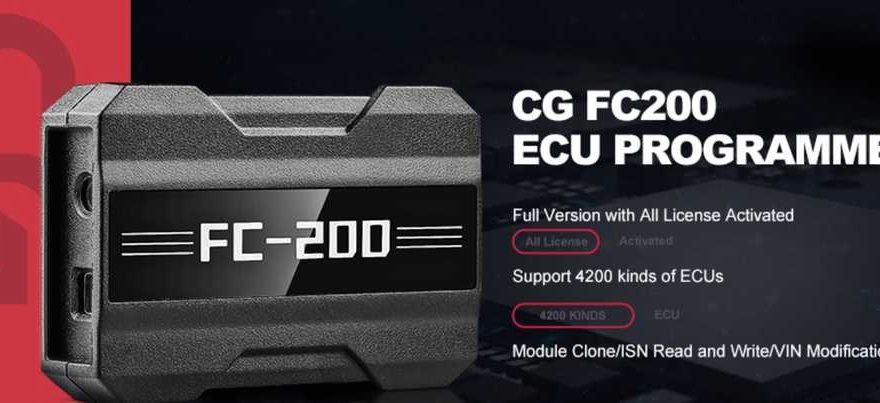
CGDI released a new DAP adapter for CG FC200 ECU programmer. With the new DAP adapter, users can read and write some Delphi and Denso ECUs via boot mode.
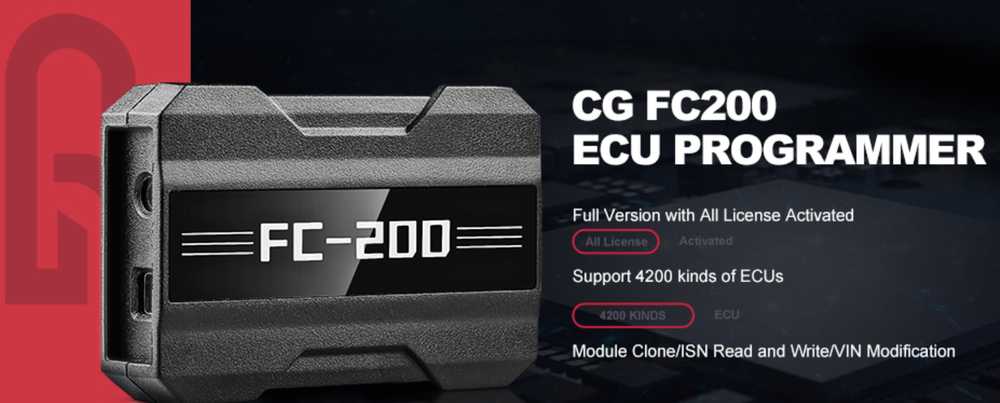
Require software 1.3.3.0 and newer.
Version: 1.3.3.0
Added BOOT mode ECUs(DAP adapter required)
Hyundai / Kia/Isuzu /Leyland: DCM7.1AP JCB/BAIC: DCM7.24
Tata/ Mahindra/JAC/ Great Wall /Dongfeng: DCM7.1AP,DCM7.24
Toyota / Lexus:
DENSO 275036-XXX 76F0038AGD
DENSO 275136-XXX 76F0038AGD
DENSO 275036-XXX 76F0039GD
DENSO 175822-XXX 76F0038GD
DENSO 175822-XXX 76F0039AGD
DENSO 175822-XXX 76F0039GD
DENSO 175822-XXX 76F0040GD
DENSO 275036-XXX 76F0040GD
DENSO 275036-XXX 76F0070
DENSO 275036-XXX 76F0085
DENSO 275136-XXX 76F0085
DENSO 275036-XXX 76F0040AGD
DENSO 275922-XXX 76F0070
DENSO 275992-XXX 76F0070
Added PCR2.1 immobilizer data parsing, and SIMOS 8.6 cloning and immobilizer data parsing
functions.
Added Hyundai/Kia BOOT mode ECUs:SIMK41,SIMK42,SIMK43_AT,SIMK43_MT, SIMK62.
Added “The three monitors not ready” fix for MED17.5.21.
Added VIN modification and “The three monitors not ready” fix for MG7.9.8.
FC200-Support-ECU-List
How to use DAP adapter with CG FC200?
To use a DAP adapter with a CG FC200, you connect the FC200 to a USB power source, then physically wire the DAP adapter to the specific ECU pins as per the diagram, link the FC200 to your PC, and use the FC200 software to select the ECU model, choose “Boot” mode, connect, and read the flash data, saving it afterward.
Here’s a breakdown of the process:
1. Hardware Setup
– Connect FC200: Plug the CG FC200 into a stable USB power supply.
– Assemble Adapters: Connect the FC200 DAP Adapter to the FC200 host device.
– Wire the ECU: Carefully wire the pins of the DAP adapter to the ECU’s pins, following the specific pinout diagram for your ECU model (e.g., Toyota 89661-36190).
– Connect to PC: Connect the host device (FC200 with adapter) to your computer via USB.
2. Software Operation
– Open Software: Launch the CG FC200 software on your computer.
– Select ECU: Input the specific model number of the ECU you are working with (e.g., 89661-36190).
– Choose Boot Mode: Select the “Boot” option in the software, as this bypasses standard protocols for deeper access.
– Connect & Read: Click “Connect,” and once established, select “Read Flash” to get the ECU data.
3. Finalize
– Save Data: Save the read data file to a secure location on your computer.
Important Notes:
– Software Version: Ensure your CG FC200 software is updated to a recent version (like 1.3.0 or newer) to support the DAP adapter’s boot mode functions.
– Power Stability: Consistent power is crucial; unstable voltage can damage the ECU.
Software download link