Notice for using Hitachi software:
- Cant install antivirus software on the laptop
- No need installing the software
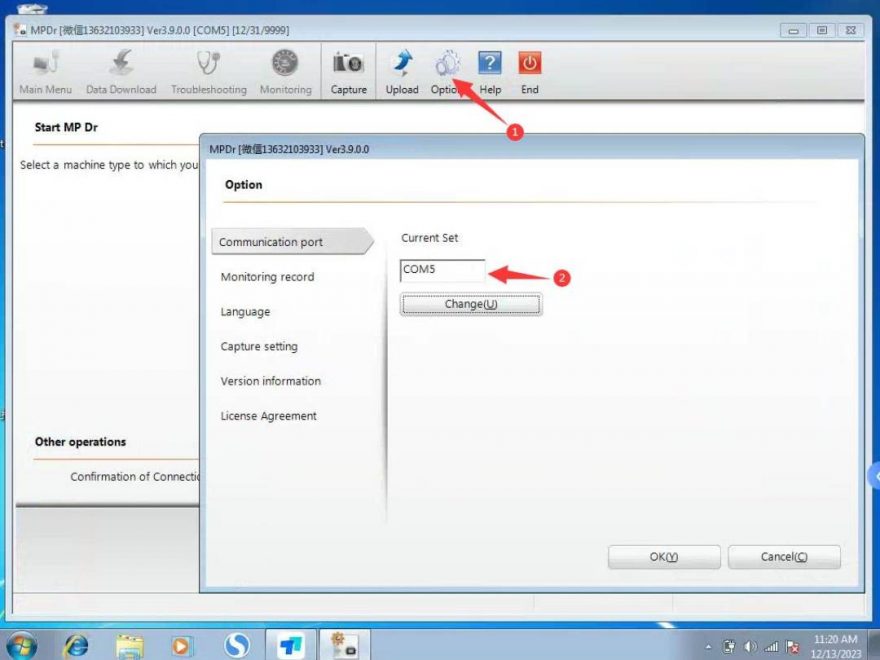
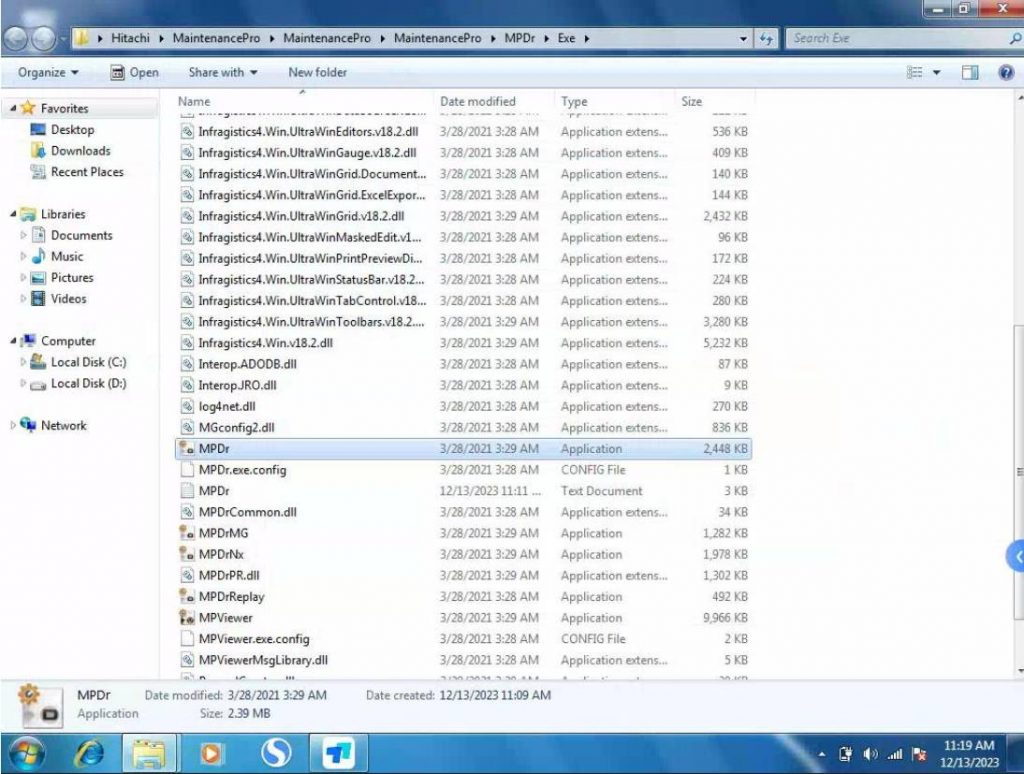
- Shortcut: MPDr → Desktop → Open, connect the hardware with your car , start ignition , select the correct com port then can work
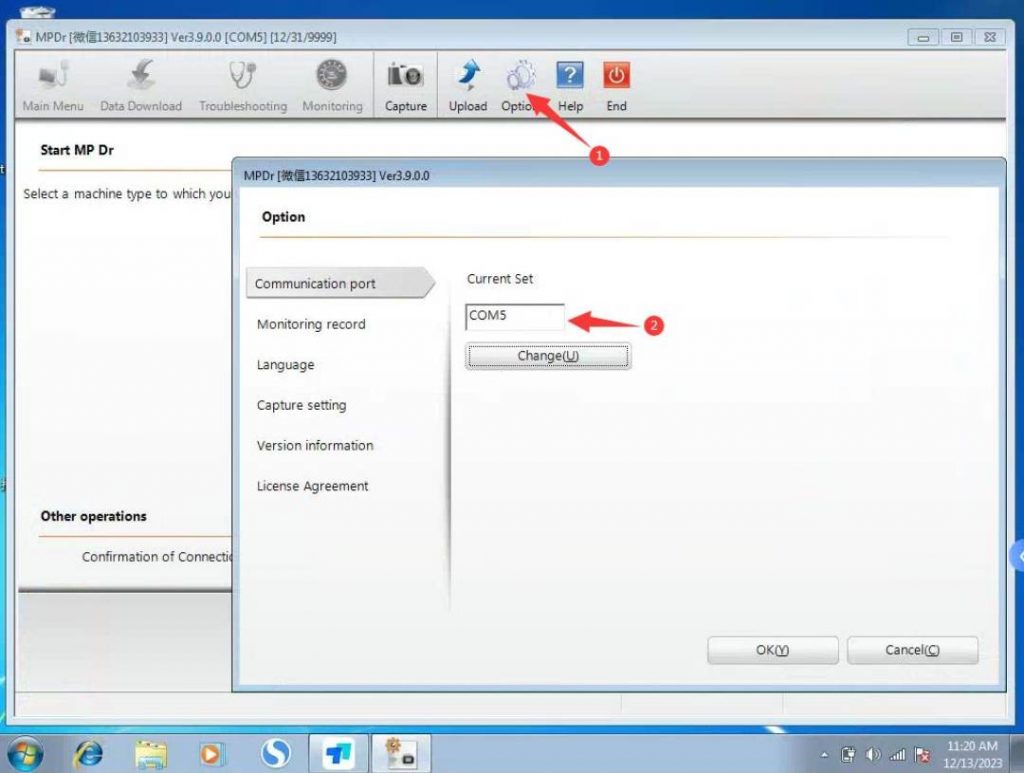
Vehicle is connected and started, matching the COM port
FAQ
1. What is Hitachi MPDR 3.9 software used for?
Hitachi MPDR 3.9 software is used for Hitachi excavator diagnosis, including checking engine, hydraulic, and electrical systems on supported models.
2. Do I need to install Hitachi MPDR 3.9 software myself?
No. If the software is already provided on the laptop, you do not need to install it again. Open the MPDr shortcut from the desktop and follow the connection steps.
3. Why does the software fail to connect to the excavator?
The most common reason is selecting the wrong COM port. You should also check the diagnostic cable, USB connection, ignition status, and driver recognition.
4. What connection type does the Hitachi diagnostic tool use?
The related product page lists USB connection mode and a 3+4 pin diagnostic cable.
5. Which Hitachi excavator models are supported?
The tool is listed as compatible with Hitachi ZX-1, ZX-3, ZX-3G, ZX-5A, ZX-5B, ZX-5G, ZX-6, ZX-7, and EX series models.
6. Which Windows system is recommended?
Windows 10 Professional 64-bit is recommended, although the product page also lists Windows 7 and Windows 10 support.