The maintenance of modern diesel engines has evolved from purely mechanical adjustments to sophisticated electronic interfacing. Yanmar, a global leader in diesel engine manufacturing, utilizes advanced Electronic Control Units (ECUs) to manage engine performance, fuel efficiency, and emissions compliance. To interface with these systems, technicians and equipment owners must utilize the Yanmar Diagnostic Tool (YDT), a specialized software suite designed to communicate with the engine’s “brain.” This software is essential for troubleshooting, clearing Diagnostic Trouble Codes (DTCs), and performing critical maintenance tasks like forced regenerations of the Diesel Particulate Filter (DPF)
Understanding the Yanmar Diagnostic Ecosystem
Before beginning the installation, it is vital to understand the architecture of the Yanmar electronic system. The system consists of the E-ECU (Electronic Engine Control Unit), which stores control software, MAP data (fuel injection tables), and TRIM data specific to the Fuel Injection Pump (FIP). The YDT software acts as the bridge, allowing a PC to read these data structures and monitor real-time parameters such as engine RPM, oil pressure (SPN100), and coolant temperature.
System Requirements and Preparation
To ensure a successful installation, your hardware must meet specific criteria. Most industrial diagnostic software requires a Windows-based environment. It is highly recommended to use a dedicated “toughbook” or a laptop with high durability for field use.
Pre-Installation Checklist:
- Hardware Interface:You will need a compatible gateway module (USB to CAN) to connect the laptop to the engine’s diagnostic port.
- Internet Connection:While needed for downloading updates, the software often requires the internet to be disconnected during specific activation steps to prevent licensing conflicts.
- Administrative Rights:Ensure you are logged into Windows as an Administrator to allow the installer to write to system registries and install USB drivers.
Step-by-Step Installation Process
you can download the software and installation instructions as bellowing links :
Software download link :
https://mega.nz/file/YWJUEIKY#8sAtoHWUO2cvTHhMFZhxWcbQSSYDvODihSUYgPFyHJ0
Installation instructions :
https://mega.nz/file/wbYTRS7b#9YdahfTnpbwjYwMyApY9YRO-cEtzf7T1iKiRy5QVKuc
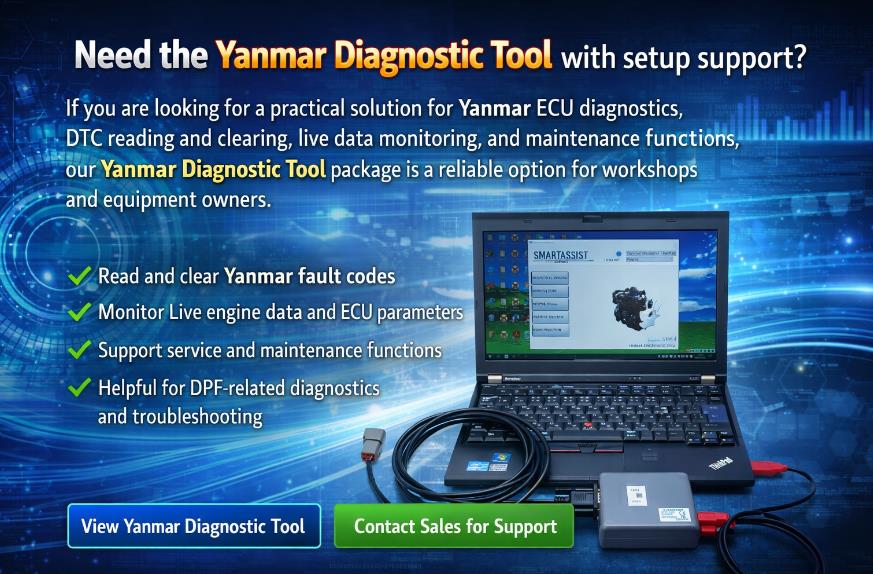
Need the Yanmar Diagnostic Tool with installation support?
If you are looking for a practical solution for Yanmar ECU diagnostics, DTC reading and clearing, live data monitoring, and maintenance functions, our Yanmar Diagnostic Tool package is a reliable option for workshops and equipment owners. It is ideal for users who want professional diagnostic capability together with setup guidance and after-sales support. View the Yanmar Diagnostic Tool here or contact sales@obd2.ltd for help.