Caterpillar Inc. is a titan in heavy machinery, renowned for its robust and reliable equipment. The use of advanced diagnostic tools is crucial for maintaining and optimizing the performance of this machinery.
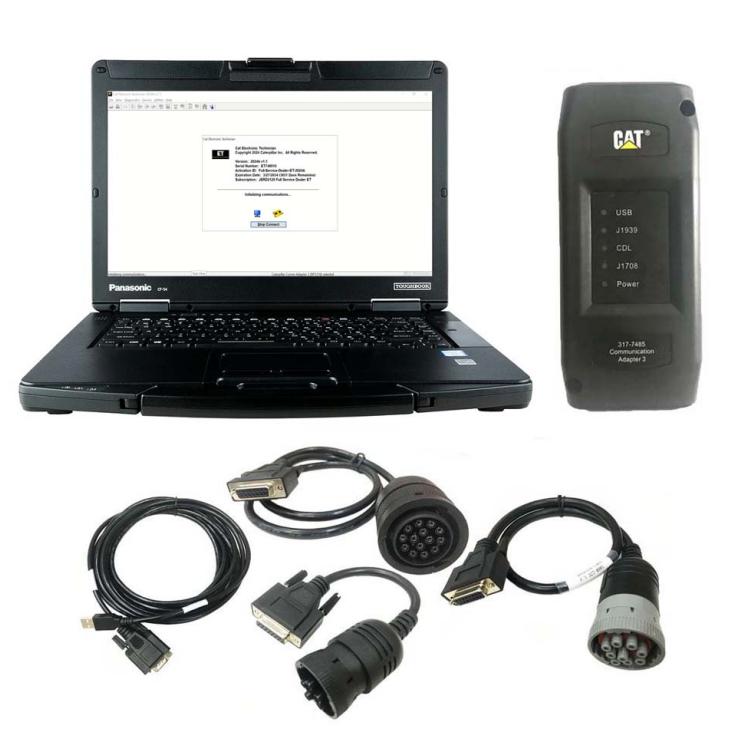
This material delves into the world of Caterpillar diagnostic equipment, exploring its function, significance, and latest technologies, such as the CAT comm adapter 3 kit for diagnostics, the CAT electronic technician
Understanding Caterpillar Heavy Machinery
Caterpillar heavy machinery encompasses various equipment used in construction, mining, agriculture, and various other industries. These machines, known for their durability and efficiency, include bulldozers, excavators, loaders, and more. Maintaining their optimal performance is paramount given their critical roles in numerous sectors. This is where diagnostic equipment comes into play.
The Role of Diagnostic Equipment
Diagnostic equipment for Caterpillar machinery is essential for identifying and troubleshooting issues, ensuring that machines operate efficiently and with minimal downtime. These tools allow technicians to perform comprehensive diagnostics, monitor system health, and promptly make necessary adjustments or repairs.
How Caterpillar Diagnostic Tools Work
Early Diagnostic Methods
In the early days, diagnosing issues in Caterpillar machinery was a labor-intensive process. Technicians relied on physical inspections and mechanical tests to identify problems. While effective to some extent, these methods were time-consuming and often resulted in extended downtime.
Transition to Electronic Diagnostics
The introduction of electronic diagnostic tools marked a significant leap forward. These tools enabled technicians to connect directly to the machine’s electronic control modules (ECMs), accessing real-time data and diagnostic codes. This shift not only improved the accuracy of diagnostics but also significantly reduced the time required to identify and fix issues.
Key Diagnostic Tools for Caterpillar Machinery
CAT Comm Adapter 3 for Diagnostics
The Communication adapter 3 group is a critical tool for anyone involved in maintaining and repairing Caterpillar equipment. This device serves as the interface between the machine and the diagnostic software, allowing technicians to read and clear diagnostic codes, monitor real-time data and perform various other diagnostic tasks.
High-Speed Data Transfer: The CAT Comm Adapter 3 supports high-speed data transfer, enabling faster diagnostics and reducing downtime.
Wide Compatibility: It is compatible with a wide range of Caterpillar machinery, making it a versatile tool for technicians.
User-Friendly Interface: The adapter features a user-friendly interface, making it accessible even for those with limited technical expertise.
Durability: Designed to withstand harsh working conditions, the CAT Comm Adapter 3 is built to be durable and reliable.
CAT Electronic Technician (CAT ET)
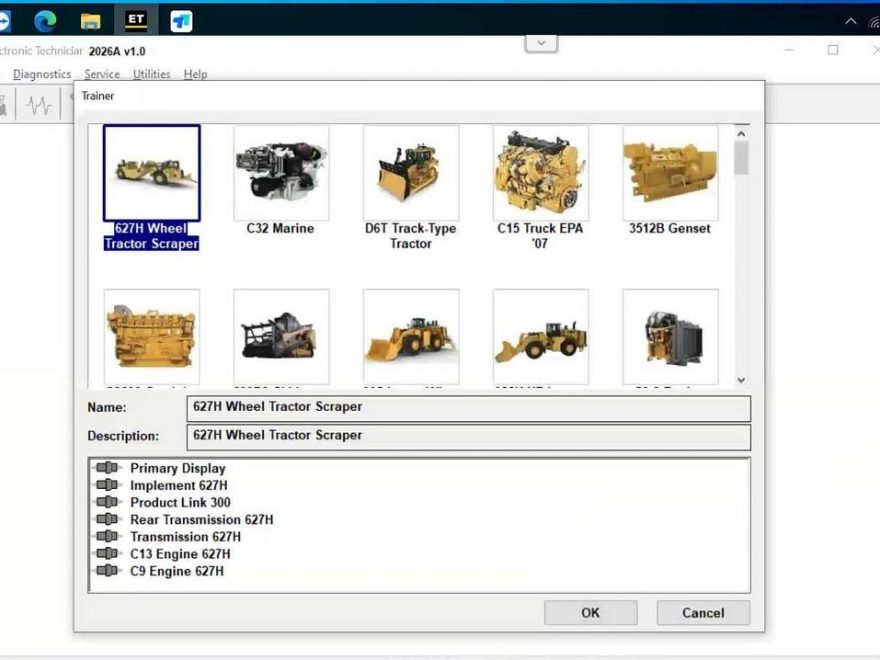
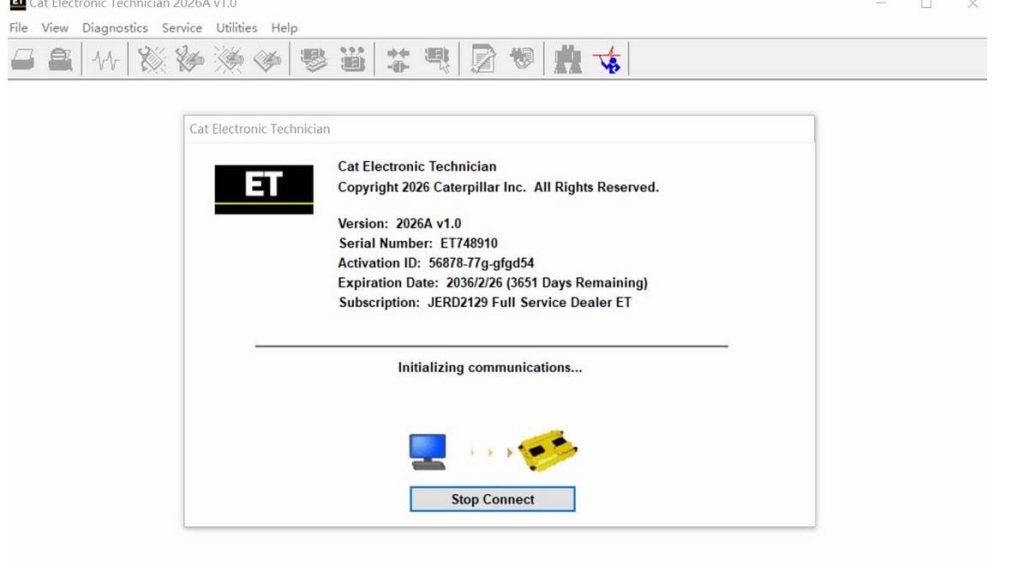
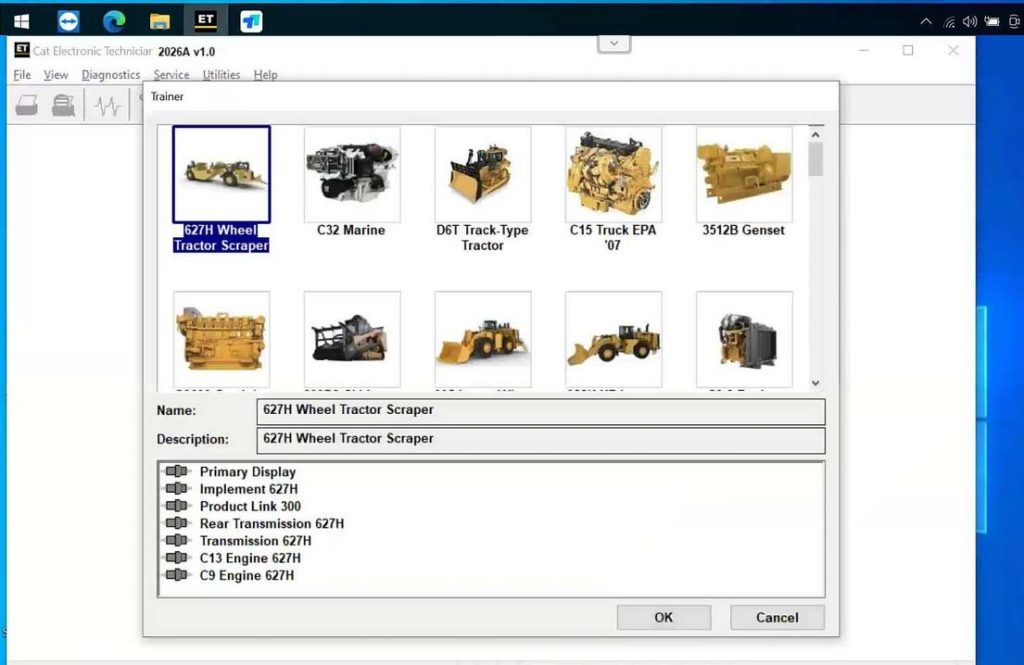
The CAT Electronic Technician software is a powerful diagnostic tool used with the CAT Comm Adapter 3. It provides technicians access to a wealth of information about the machine’s performance, including diagnostic codes, real-time data, and historical data logs.
Comprehensive Diagnostics: CAT ET allows technicians to perform comprehensive diagnostics on all major systems of the machine, including the engine, transmission, and hydraulic systems.
Real-Time Monitoring: The software provides real-time monitoring of various parameters, helping technicians identify and address issues before they lead to major failures.
Customization: Technicians can customize the software to meet their specific needs, adjusting settings and parameters to optimize machine performance.
Ease of Use: With an intuitive interface, CAT ET is designed to be easy to use, even for those new to electronic diagnostics.
Where Can I Get CAT Electronic Technician Software?
For those looking to acquire the CAT Electronic Technician (CAT ET) software, information and to make a purchase, visit www.obd2.ltd