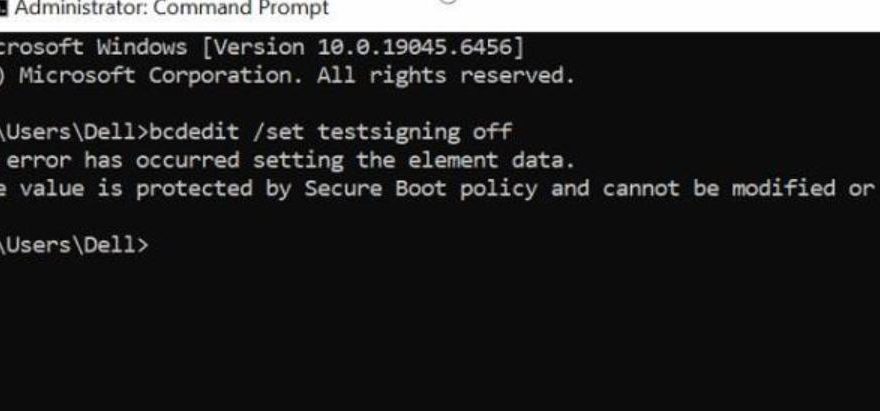
Issue:
The error message shown in the image appeared during the Scania software installation process.
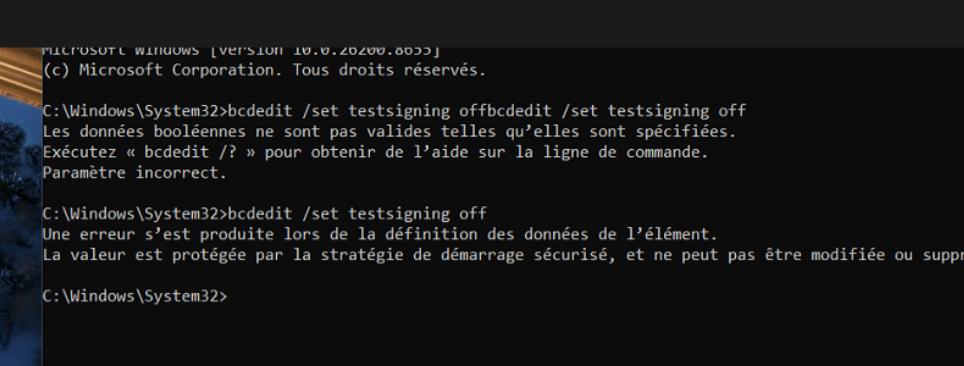
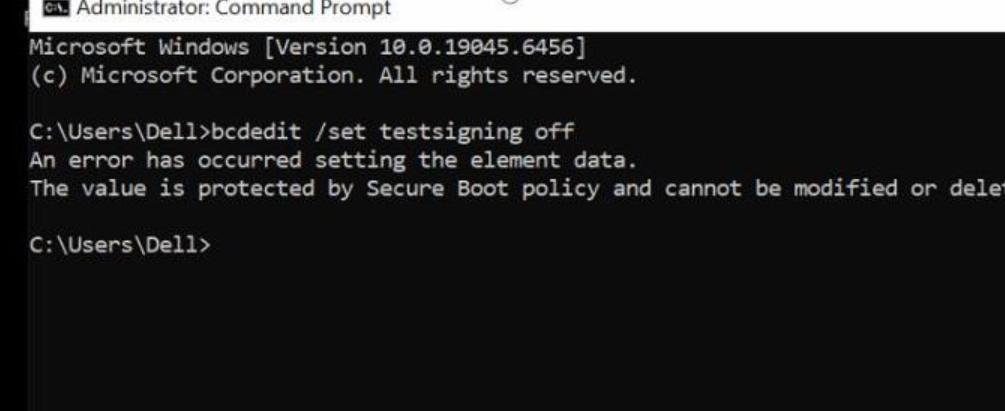
Before installing the software, pls enter to BIOS and turn off security on your laptop, there are videos on youtube for how to disable boot secure you can search and do accordingly.