Verifying JPRO Operation
To ensure your JPRO software and Noregon adapter are working correctly, follow these steps:
Connect to a Vehicle:
Plug the Noregon DLA+ adapter into your computer via the USB cable
Connect the appropriate diagnostic cable from the adapter to the vehicle’s diagnostic port (e.g., 6-pin, 9-pin, or OBD-II connector).
Turn the vehicle’s ignition key to the ON position (engine off).
Open the JPRO software on your laptop.
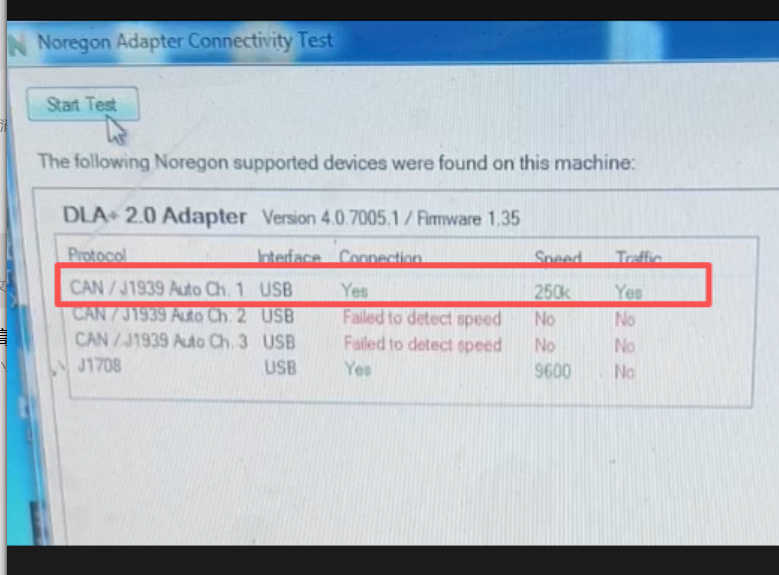
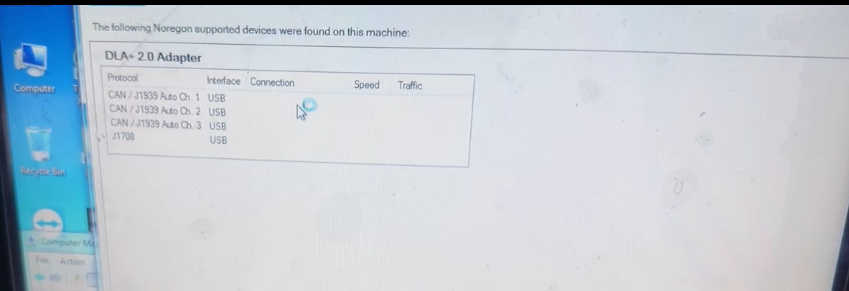
How to run self test below:
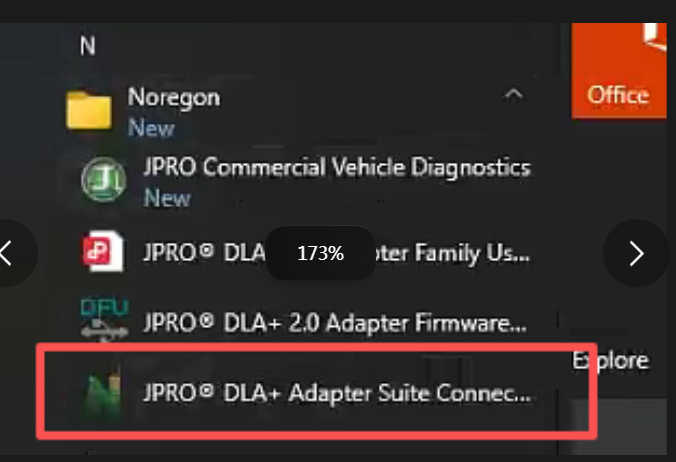
1.Click the bottom left corner of your computer and select the circled self-test program.
After connecting and starting the vehicle, click start test below picture