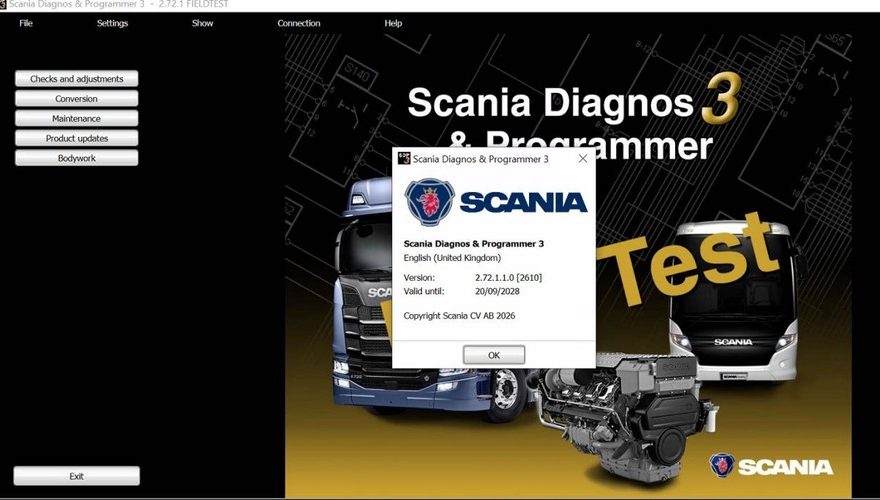
What is Scanica SDP3?
Scania SDP3 is a PC-based diagnostics application software for Scania trucks, bus chassis and Scania engines. The Scania SDP3 application includes fault code reading, assisted trouble shooting, parameter settings and more. SDP3 shall be installed on a PC/Windows platform, and connect to the vehicle through a vehicle communication interface (VCI).
Why Choose Scanica SDP3?
Today’s vehicles and especially today’s electrical systems with their control units and distributed functions place greater demands on tools and technicians. It is both time-consuming and complicated to carry out troubleshooting on vehicles of such complexity. SDP3 has therefore been designed to support the mechanic during troubleshooting and thus reduce downtime.
SDP3 also supports the troubleshooting of industrial and marine engines.An advantage of SDP3 is that there are more possibilities than before for the individual item, i.e. the vehicle or engine to which you are connected, to give a description of itself. SDP3 makes use of this and only displays information relevant to the vehicle/engine to which it is connected.
Version: 2.72.1
Update: 09.2026
Size Installed: 10GB
Region: All regions
Scania Scania Diagnos & Programmer 3 available in these languages: English, German, Spanish, French, Japanese, Dutch, Polish, Portuguese, Swedish, Norwegian, Suomi, Turkish, Italian, Czech, Russian, Chinese.
Scania SDP3 2.72.1 fully compatible with VCI3 and works only on Windows 7 and later versions including Windows 10 / 11 (64bit support)!
with 1 time installation service of Scania SDP3 2.72.1 Diagnosis & Programming for VCI 3 VCI3 without Dongle, this is the latest version Scania Diagnosis & Programming Software, working with Scania VCI3.
After the payment, please offer the Teamviewer ID and Password, Our engineer will help you install the software.
Scania SDP3 Software Function List:
Check and adjustments
Conversion
Maintenance
Campaign
Bodywork
Fault Codes
Fault Reporting
Programming of Control units
Scania SDP3 supported modification of ECU data
EMS – Engine management system.
GMS – Gearbox management system.
RET – Retarder system.
AWD – All wheel drive system.
CLS – Clutch Control.
EEC – Exhaust Emission Control.
COO (COO7) – Coordinator.
BWS (BCI1) – Bodywork system.
Scania SDP3 supported resolving trouble codes to text description:
EMS (S6, S7, S8).
GMS (OPC4, OPC5).
RET (RET1, RET2).
AWD (AWD1).
EEC (SCR1, EEC3).
COO (COO6, COO7).
HMS (HMS1).
Scania SDP3 interesting options:
AdBlue ON/OFF.
EGR ON/OFF.
Chassis ID/VIN Change.
Immobilizer ON/OFF.
Truck Power INCREASE.
ECU Recovery.
ECU Reset.
ECU Unlock.
Scania SDP Installation Requirement:
Support Win7 64 bit system.WIN 10 32bit WIN10 64 bit (Tested by individual, so try on your own risk).
Need Netframework 4.5 installed on system. windows 7 or 8 will be better.
In order to install SDP3, administrator rights are required.
Note: The USB key and VCI must not be connected to the computer during the installation of SDP3, especially if SDP3 is not installed for the first time.
Scania SDP3 Software V2.68.1 download link :
https://mega.nz/file/LKBXRAzZ#CpkU-5ULn0GydJ8B1KrlT7hG32K-ROzdqgfqB3I1skQ
Software Display:
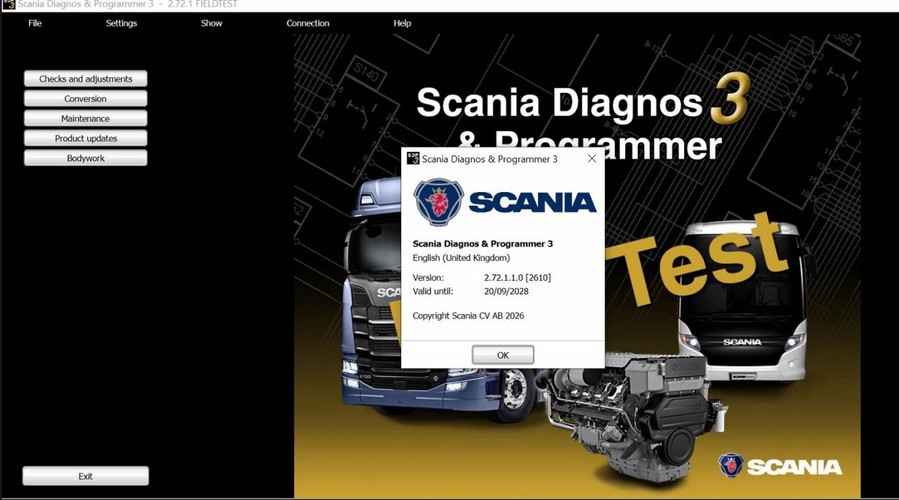
Scania SDP3 software is used to maintain Scania trucks and other heavy vehicles (Scania R,P,G,T,K,N series) made since 2004 year, industry and marine engines.
A Scania SDP3 update to 2.72.1 is not simply a case of replacing an old program folder and connecting the VCI. For a working commercial vehicle workshop, the real question is whether the updated installation communicates correctly with the vehicle, recognises the diagnostic interface and retains valid authorised access. If any part of that chain is wrong, a routine fault-finding job can turn into lost ramp time and an unavailable lorry.
This practical guide covers the checks worth making before and after moving to SDP3 2.72.1. It is aimed at technicians working on Scania vehicles who need dependable diagnosis, guided tests and programming capability without avoidable connection issues.
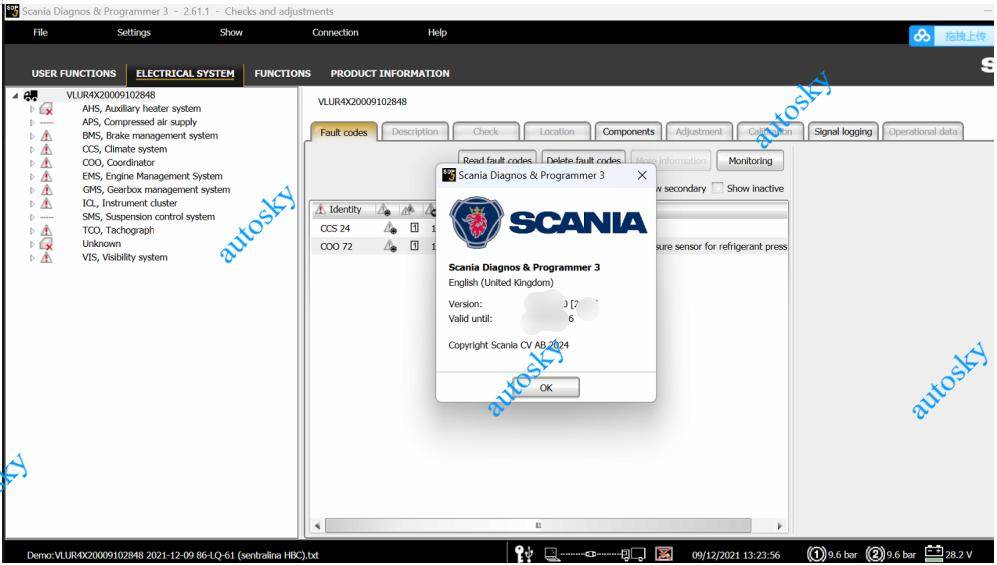
What changes with Scania SDP3 updated to 2.72.1?
SDP3 is Scania’s workshop diagnostic environment for reading control-unit information, diagnosing faults, carrying out calibrations and, where authorised, performing programming operations. A version change can bring support for later vehicle configurations, revised control-unit communication, bug fixes or changes to the security and licensing environment.
The exact benefit depends on the vehicles in your intake. A workshop maintaining older P, G, R or S-series vehicles may not see an immediate difference in every job, while a fleet with newer systems may require the current software environment before certain functions are available. Do not assume that a newer SDP3 release will automatically solve an existing fault. It improves the diagnostic platform; it does not repair damaged wiring, a failed NOx sensor, low AdBlue pressure or a control unit with an internal defect.
Before installation, check the official release information supplied with your authorised software source. This establishes the supported operating system, required interface version, licensing requirements and any known limitations. Those details matter more than an online claim that a version works with every Scania.