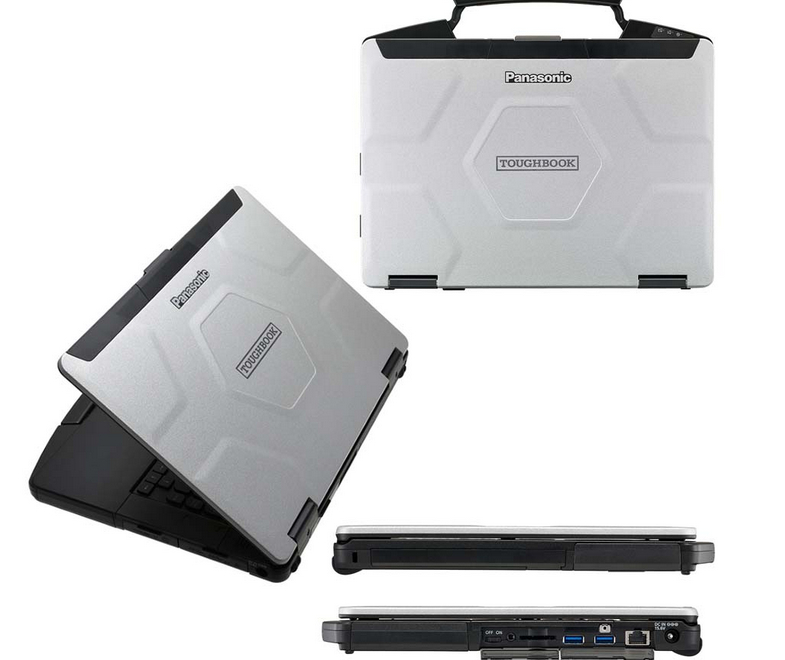
If you’re in the business of repairing diesel trucks, heavy machinery, or agricultural equipment, one tool can make or break your productivity: your diagnostic laptop. But not all laptops are created equal. Here’s what makes a diagnostic laptop truly great – and why it’s worth investing in the right setup.
- Preloaded With the Right Software
diagnostic laptop should come with the essential tools pre-installed and activated. This might include heavy equipment, diesel truck, or agricultural diagnostic software – ready to use from day one.
- Rugged and Durable
Field techs need a laptop that can handle drops, dust, vibration, and heat. Rugged or semi-rugged laptops (like the Panasonic Toughbook series) are built for exactly that.
- Fast Boot-Up and Performance
When you’re on the job, every minute counts. A diagnostic laptop should have:
Solid-state drive (SSD)
Minimum 8GB RAM
Fast processor (i5 or better)
No one has time to wait 10 minutes for Windows updates to finish.
- Long Battery Life
Mobile techs often work out of trucks or in remote locations. A good diagnostic laptop needs enough battery life to get through multiple service calls without a recharge.
- Multiple USB and Serial Ports
Diagnostic adapters come in all shapes and sizes-USB,serial,Bluetooth.Your laptop should support them all without a struggle or constant dongle swapping.
- Remote Support and Reinstallation Options
Choose a seller who provides lifetime remote support, system reinstallation, and activation help. It saves time and stress when problems arise.
- Compatibility With All Major Brands
The best diagnostic laptops are multi-brand. Whether you work on Freightliner, John Deere,Komatsu,Volvo, or Hino, your setup should support them all in one place.
Conclusion
Choosing the right diagnostic laptop is more than just picking a computer. It’s choosing a reliable partner that helps you work faster, diagnose better, and stay productive wherever the job takes you.
Our good options laptop for your selection:
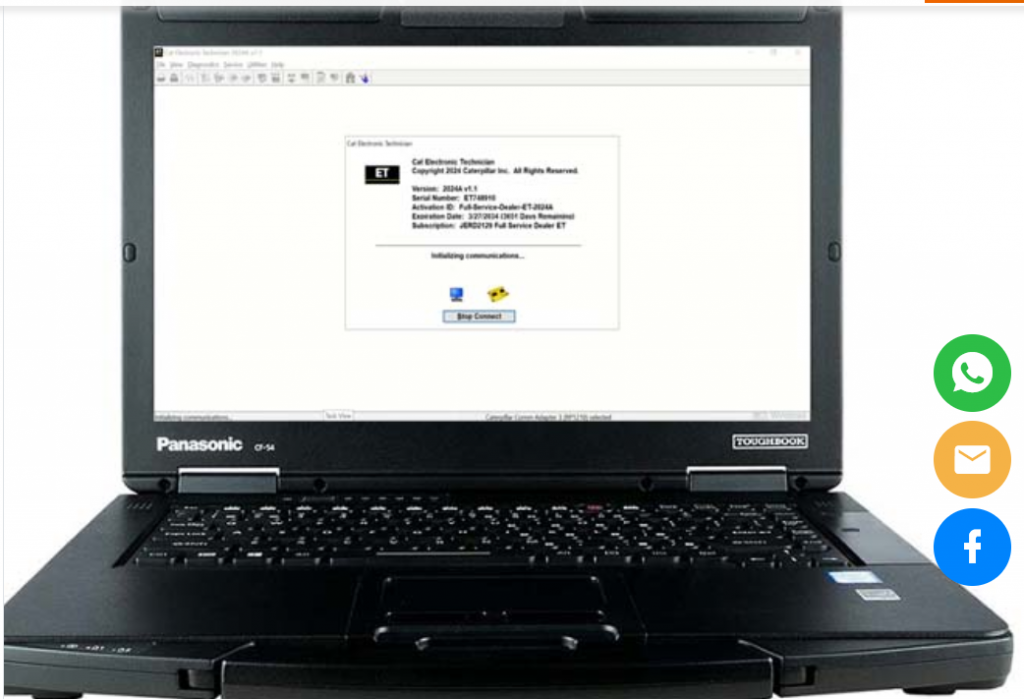
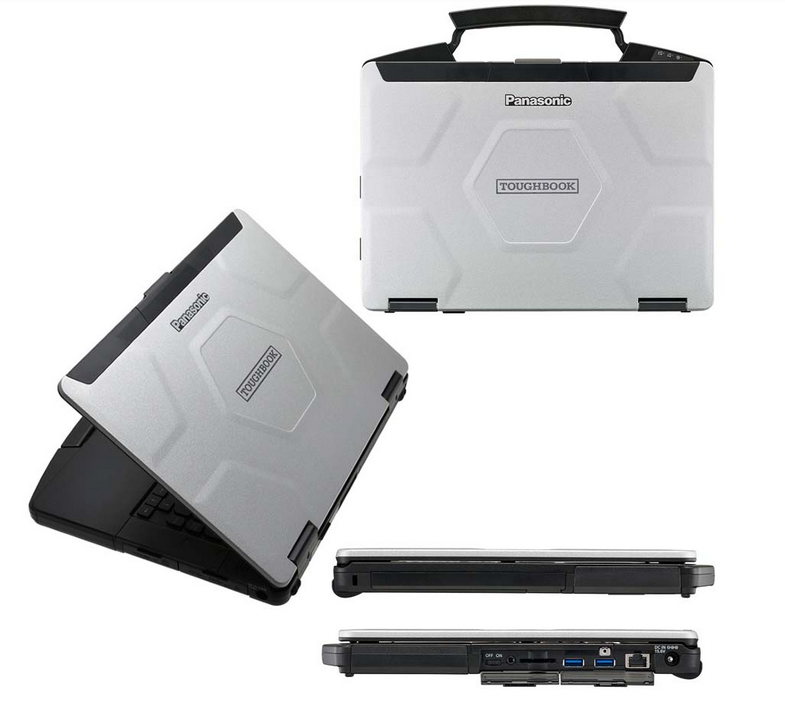
Panasonic CF54 Laptop
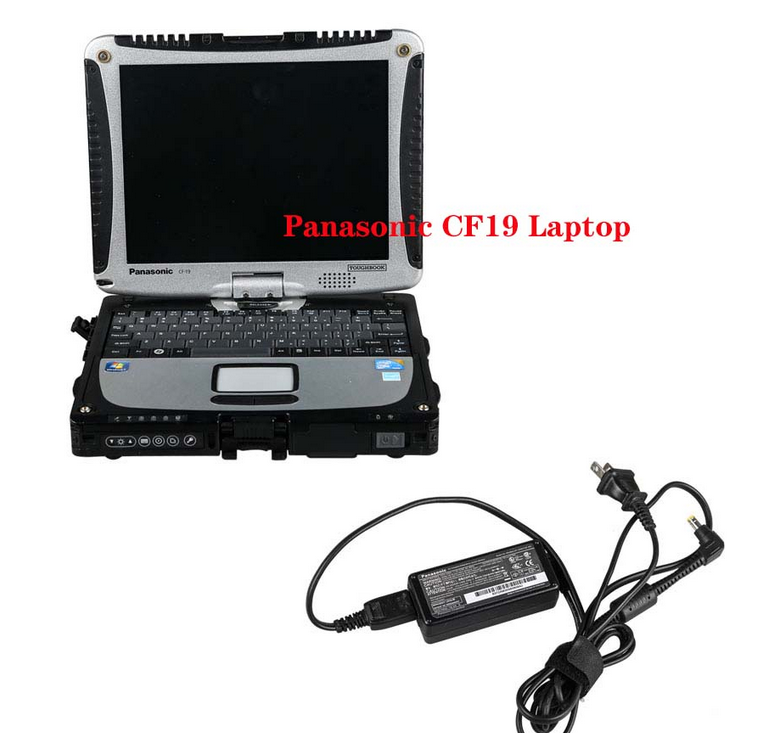
Panasonic CF19 Laptop
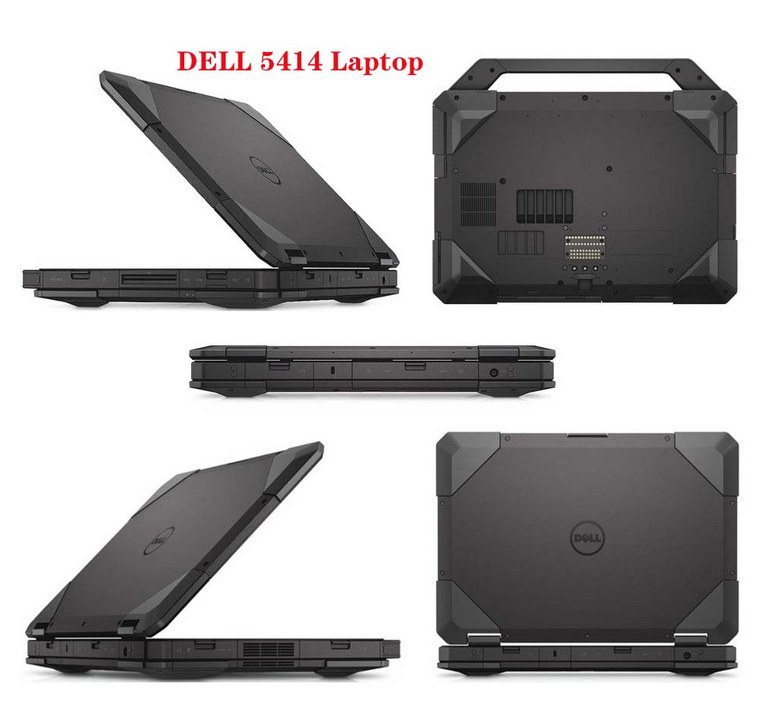
DELL 5414 Laptop
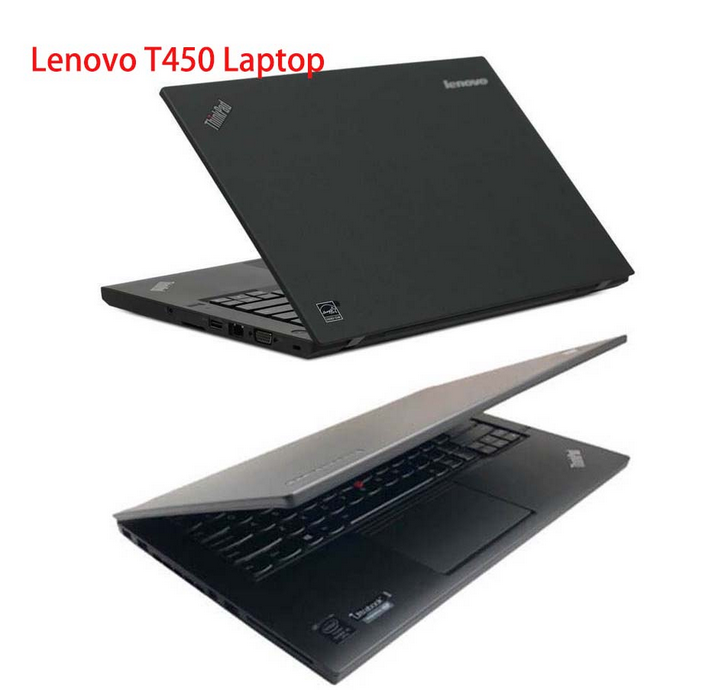
Lenovo T450 Laptop
FAQ
1. What is a diagnostic laptop?
A diagnostic laptop is a laptop configured to run vehicle or equipment diagnostic software. It connects with diagnostic adapters or interfaces to communicate with control modules, read fault codes, check live data, perform tests, and support repair work.
2. What specs should a diagnostic laptop have?
A good diagnostic laptop should have SSD storage, at least 8GB RAM, an Intel i5 processor or better, stable Windows system, and enough USB or communication ports for diagnostic adapters.
3. Is a rugged laptop necessary for diagnostics?
A rugged laptop is not always required, but it is strongly recommended for field technicians, heavy-duty repair shops, construction machinery service, and outdoor work environments.
4. Why should diagnostic software be preinstalled?
Preinstalled software saves time and reduces setup problems. Many diagnostic programs require correct drivers, activation, licenses, and system settings before they can work properly.
5. Can I use a normal laptop for diagnostic software?
Yes, some diagnostic software can run on a normal laptop. However, for professional use, a rugged or business-class laptop with stable performance and correct ports is usually more reliable.
6. Why are USB and serial ports important?
Many diagnostic adapters connect by USB, serial, Bluetooth, or LAN. A laptop with more connection options is easier to use with different diagnostic tools.
7. What is the best diagnostic laptop for heavy equipment?
The best diagnostic laptop depends on your software and machine brands. Rugged or semi-rugged models such as Panasonic Toughbook-style laptops are commonly used for heavy-duty and field service work.
8. Should I install antivirus software on a diagnostic laptop?
Use caution. Some diagnostic programs may be blocked by aggressive antivirus software. For best stability, keep the laptop dedicated to diagnostic work and avoid installing unnecessary programs.