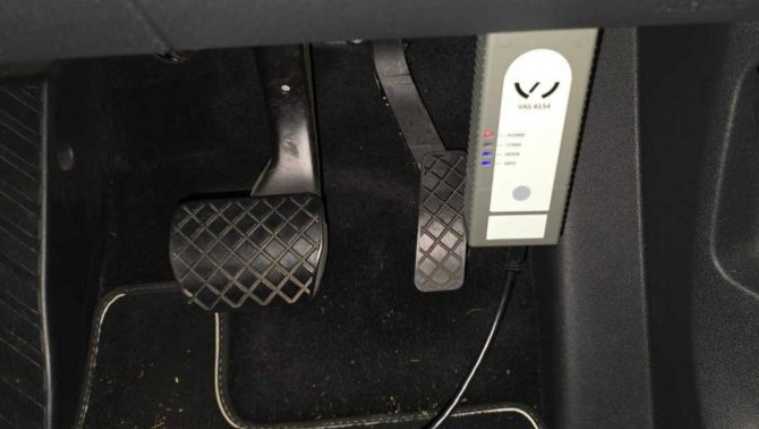
Customer recently purchased the VAS 6154 VAG Diagnostic Tool and installed the ODIS software, a message of license is expired need to update the VCI pop up. Here’s a step-by-step guide to help you understand what’s going on and how to fix it.
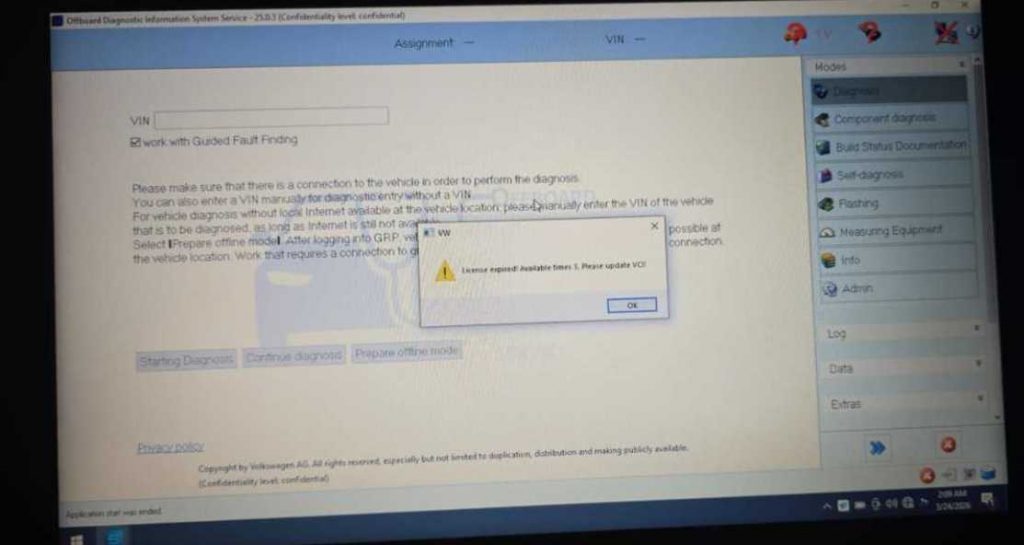
This is a common issue for users who are new to VAS 6154. The main reason for this message is that the VCI (Vehicle Communication Interface) firmware is outdated. The latest versions of ODIS software require an updated VCI to communicate properly with your vehicle.
Technical Support Solution
Our support team recommends the following:
Connect your VAS 6154 VCI to both your vehicle and laptop properly.
Update the VCI firmware using the ODIS software. The software will guide you through the update process.
If you are unsure how to update the VCI, our team can provide remote support via TeamViewer.
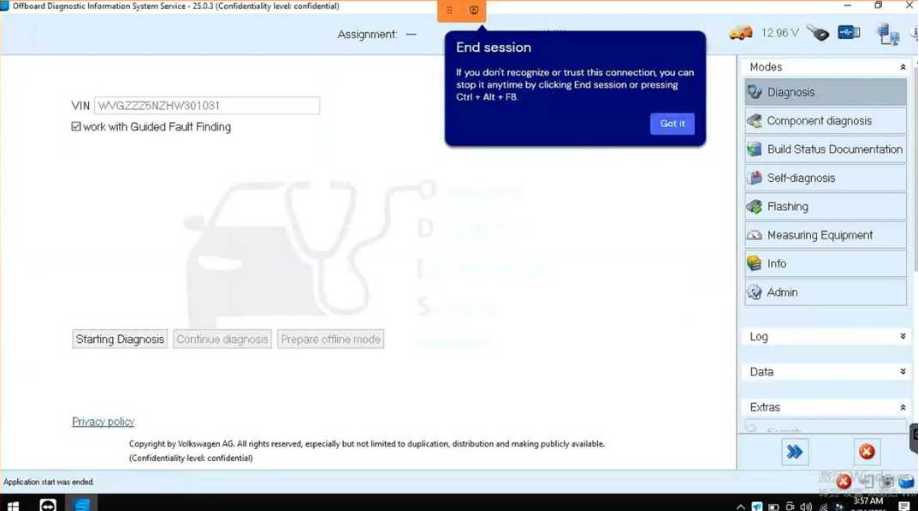
ODIS licenses usually do not require manual activation for hardware purchased with pre-installed software.
The “license expired” message often indicates a VCI update is needed, not a software license issue.
Connecting the VCI and updating it ensures full compatibility with the latest ODIS software.
Professional remote support is available if you are not confident performing the update yourself.