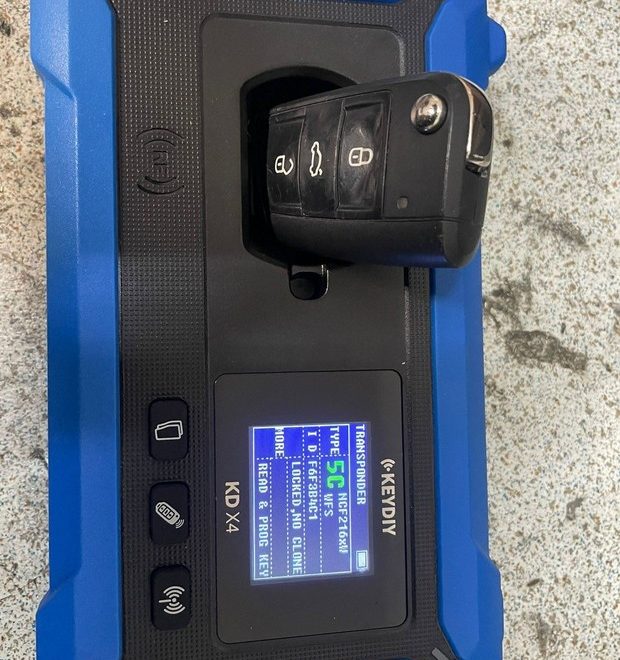
Introduction: Understanding 2018+ Jaguar Land Rover Smart Key Copy with KEYDIY KD-X4
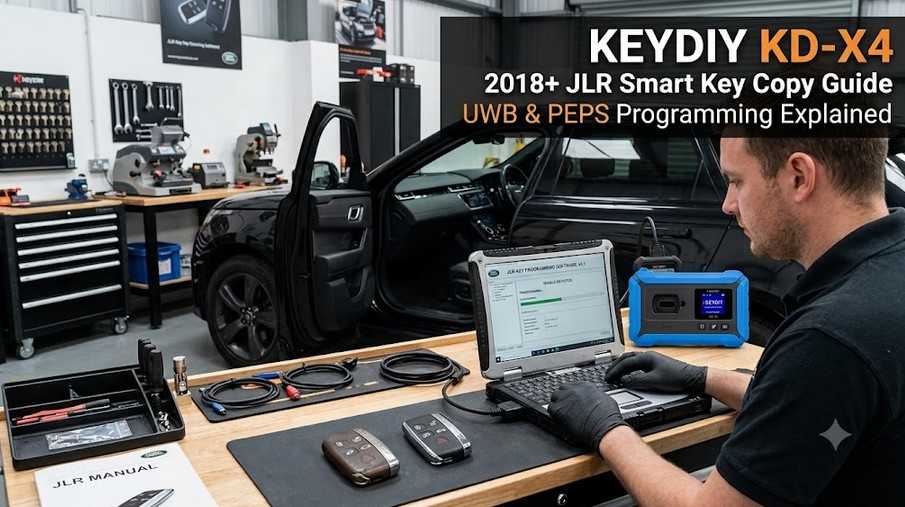
For 2018 and newer Jaguar and Land Rover vehicles, smart key replacement involves more than simple remote frequency copying. These vehicles may use advanced PEPS (Passive Entry Passive Start) systems, UWB (Ultra-Wideband) technology, and KVM (Keyless Vehicle Module) security functions.
Many technicians have questions about the KEYDIY KD-X4 and ZB24-5 JLR smart remote key copying process, especially regarding:
- UWB function compatibility
- PEPS proximity operation
- Key ID synchronization
- Lost key position replacement
- Third-key addition limitations
- Original key recovery
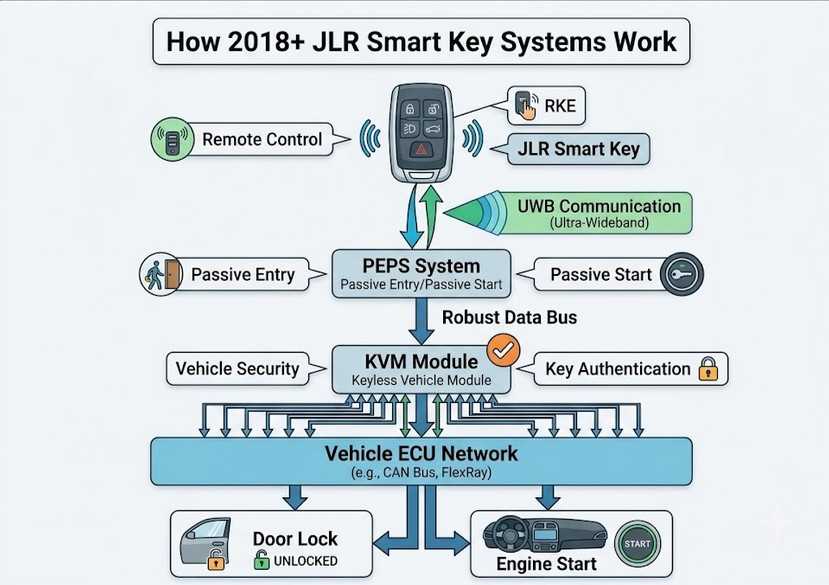
This FAQ explains the common questions and recommended procedures to help locksmiths and automotive professionals better understand the 2018+ JLR smart key copy process.
Important: Smart key programming procedures vary by vehicle model, year, market, and configuration. Always verify vehicle information and key type before performing any programming operation.
KEYDIY KD-X4 JLR Smart Key Copy FAQs
Question 1: Will the New Key Stop Working After 256 Clicks Like Other Cloned Keys?
Answer:
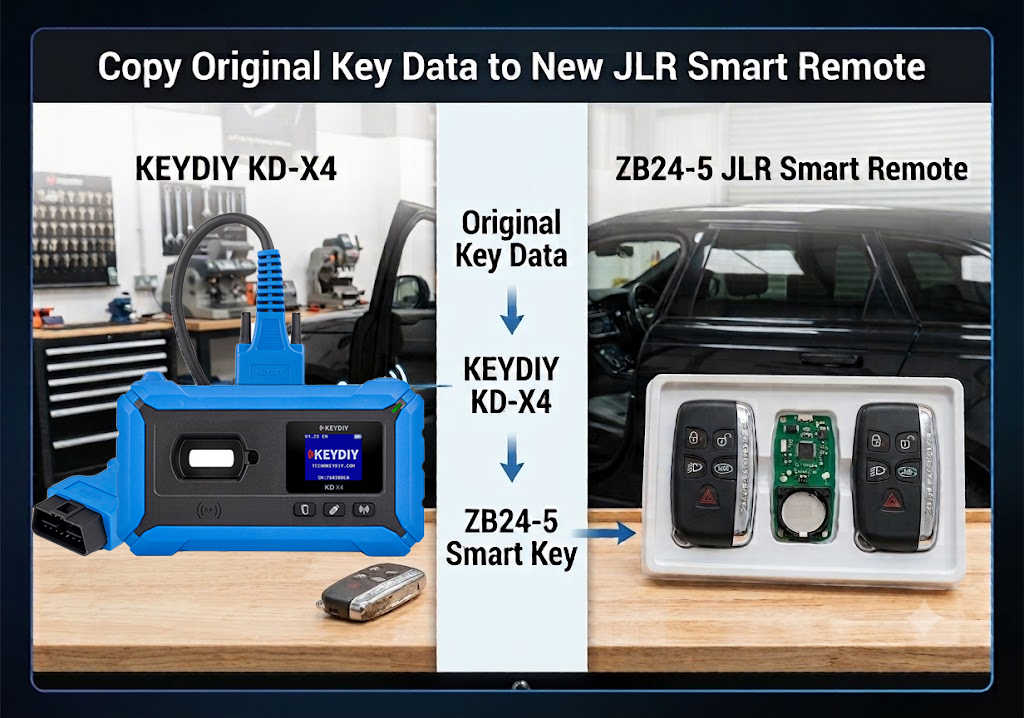
No. When using the KEYDIY KD-X4 JLR smart key copy function, the new ZB key copies the original key data while changing the key ID to match the lost key position.
This means:
- The original key and the new ZB key have different key IDs.
- The system recognizes them as two separate keys.
- There is no key ID conflict.
- The new key will continue working normally after hundreds of remote button presses.
The common synchronization issue found in some cloned keys does not occur because the key identity data is handled differently during the KD-X4 copy procedure.
Question 2: Does KD-X4 Copy Support JLR PEPS, UWB, and PS Smart Key Types?
Answer:
It depends on the key type and vehicle configuration.
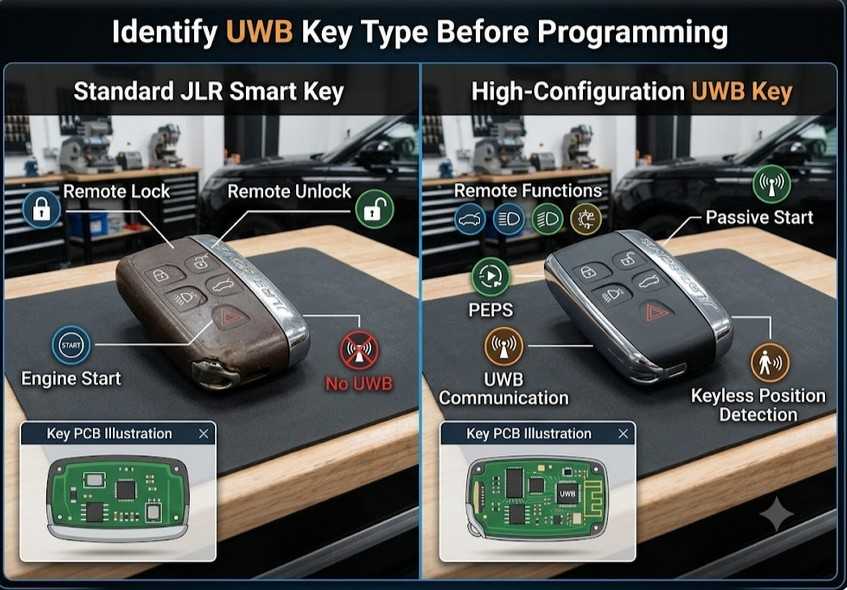
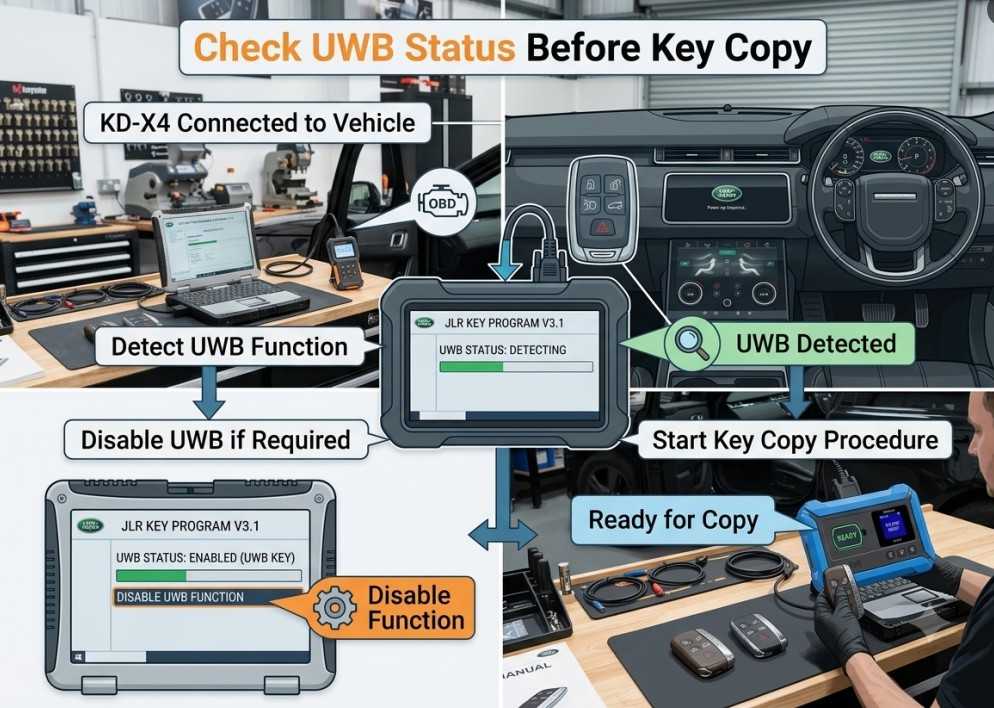
For ZB smart remotes, aftermarket keys, or original factory keys without UWB, the UWB function must be disabled before copying.
For an original factory high-configuration key with UWB, disabling UWB is not required before copying.
However, there is an important limitation:
Even when using an original high-configuration UWB key and completing the matching process, this only keeps the original vehicle UWB function unaffected.
The new copied key’s UWB function will not automatically become fully functional.
If the vehicle owner requires:
- Full UWB operation
- Complete keyless positioning functionality
- Full factory-level smart key performance
you may need to:
- Replace the KVM chip.
- Perform normal key programming.
- Complete the required vehicle adaptation procedures.
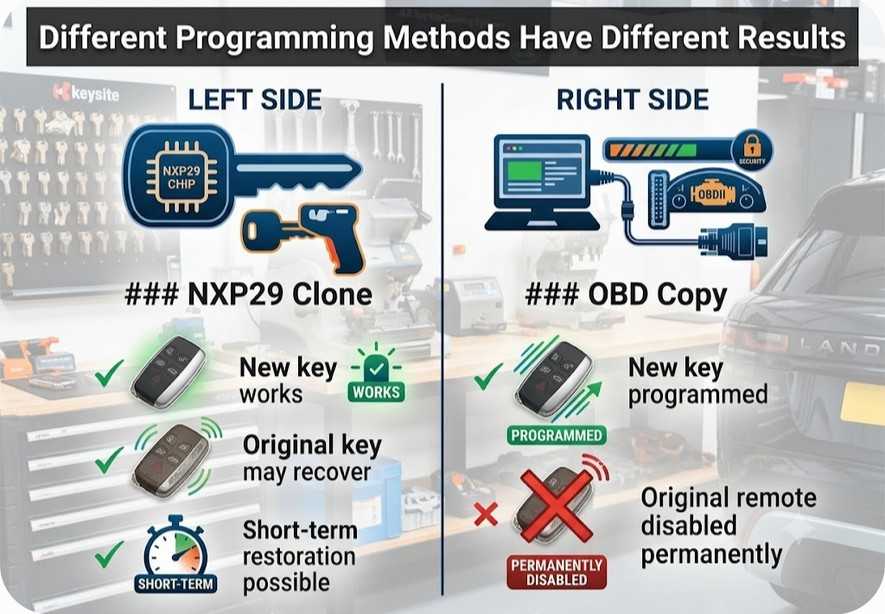
Question 3: If I Overwrite the Original Key ID Position, Will the Original Remote Still Work?
Answer:
No.
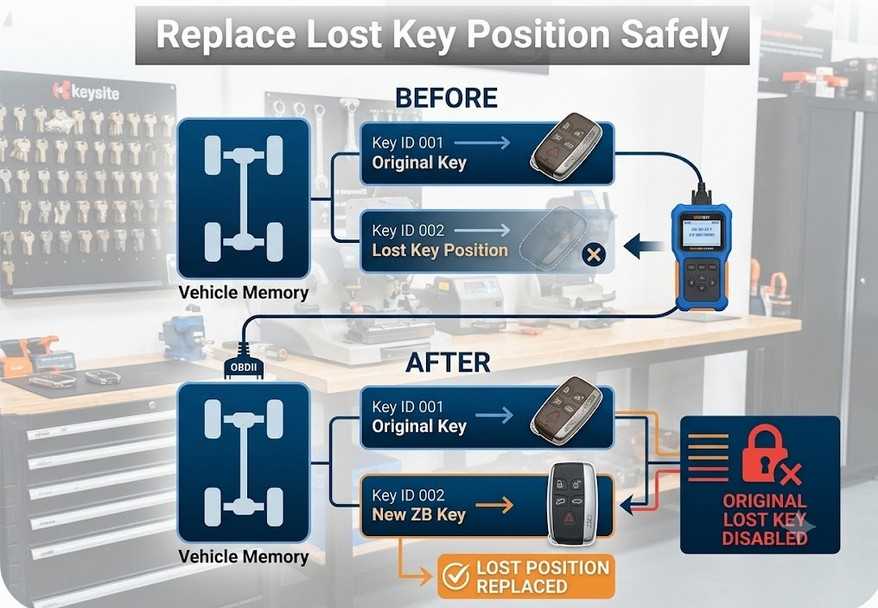
If you overwrite the original key ID position with a new key, once the new key remote is used, the original key remote function will be disabled.
Important Difference:
NXP29 Cloning Method
When using only the NXP29 cloning function:
- The new cloned key can work.
- The original key remote function may still be restored within a short period.
OBD Copy / Programming Method
When using the OBD programming method:
- The original key position is replaced.
- The original key remote function will be permanently lost.
Before programming, always confirm which keys are currently available and whether the customer wants to keep any existing key functions.
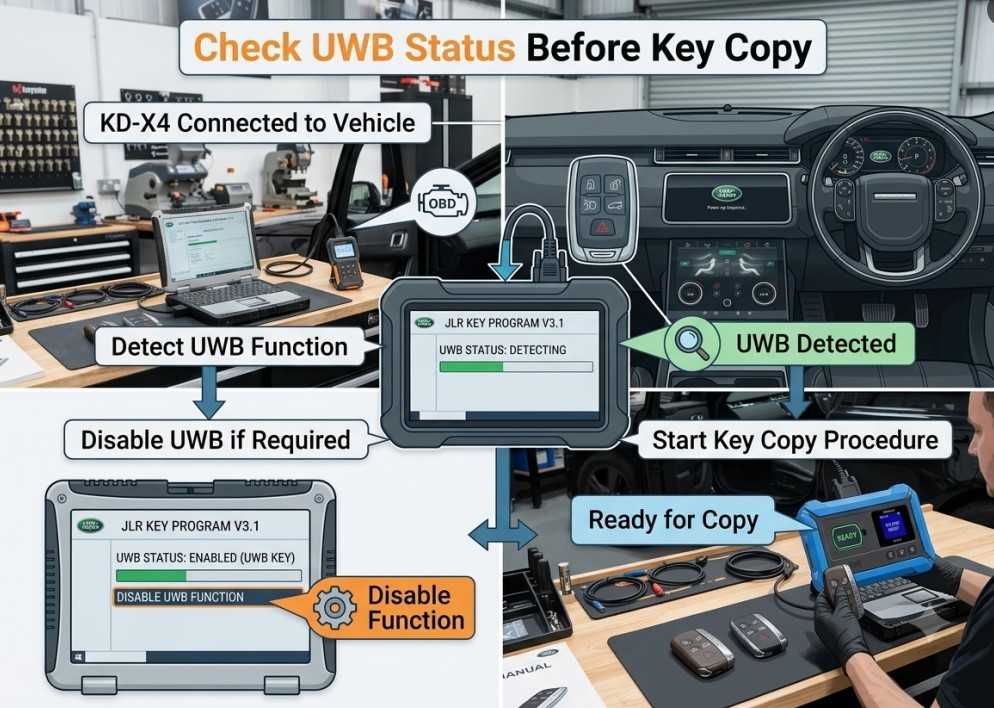
Question 4: Why Does KD-X4 Need to Connect to the Vehicle?
Answer:
Connecting the KD-X4 to the vehicle allows the device to identify the vehicle configuration and check whether the vehicle has UWB functionality.
During the process, the device can detect:
- Whether UWB is available.
- Whether UWB needs to be disabled before copying.
- Whether the selected key procedure matches the vehicle system.
If UWB remains active when it should be disabled, the copy process may not complete correctly.
Question 5: Can I Add a Third Smart Key Using the KD-X4 Copy Function?
Answer:
No.
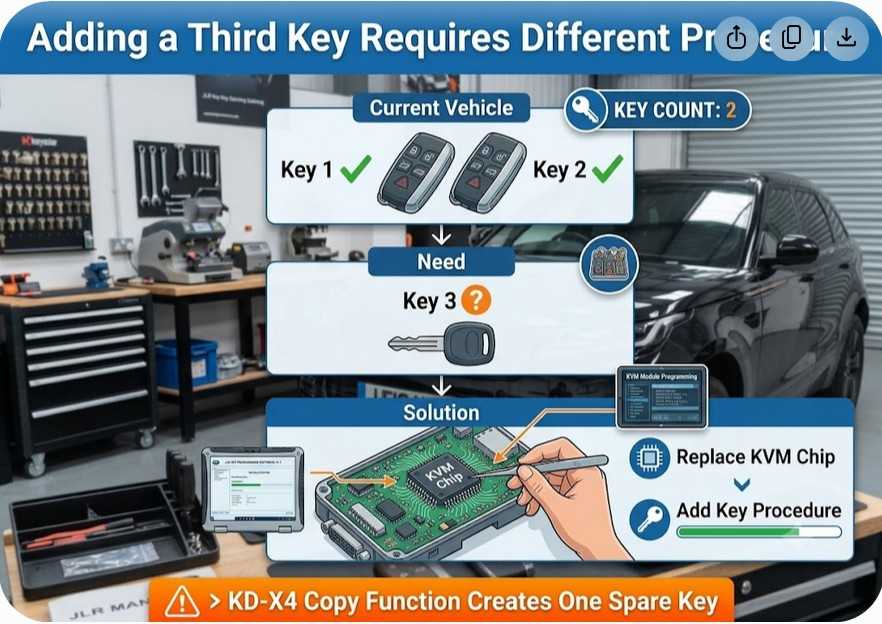
The 2018+ JLR key copy function is designed for creating one spare key by occupying an available or lost key position.
If the customer needs to add a third smart key:
- The KVM chip replacement method may be required.
- Normal smart key programming procedures must be performed.
Before starting, always confirm:
- How many working keys the vehicle currently has.
- Whether the customer wants to add another key.
- Whether a lost key position is being replaced.
Example:
If the vehicle already has:
- Key 1 working
- Key 2 working
and the owner wants:
- Key 3 added
the KD-X4 copy function may not be sufficient. Additional KVM-related programming may be required.
Question 6: How Can I Restore a Lost Key If It Is Found Later?
Answer:
If a previously lost key is recovered after using the KD-X4 copy function, there are two possible solutions.
Method 1: Repeat the Copy Procedure
You can:
- Read the data from the newly programmed key.
- Write the data back into the recovered original key.
- Test remote and proximity functions.
Method 2: Replace KVM Chip and Reprogram
If UWB functionality does not return after restoring the key:
- Replace the KVM chip.
- Select the “Add Key” function.
- Perform normal smart key programming.
For high-trim UWB-equipped vehicles, some models may also require:
- Vehicle infotainment settings adjustment.
- UWB configuration reset.
- Additional system synchronization.
Question 7: Can I Write Data to an Original JLR Key with UWB?
Answer:
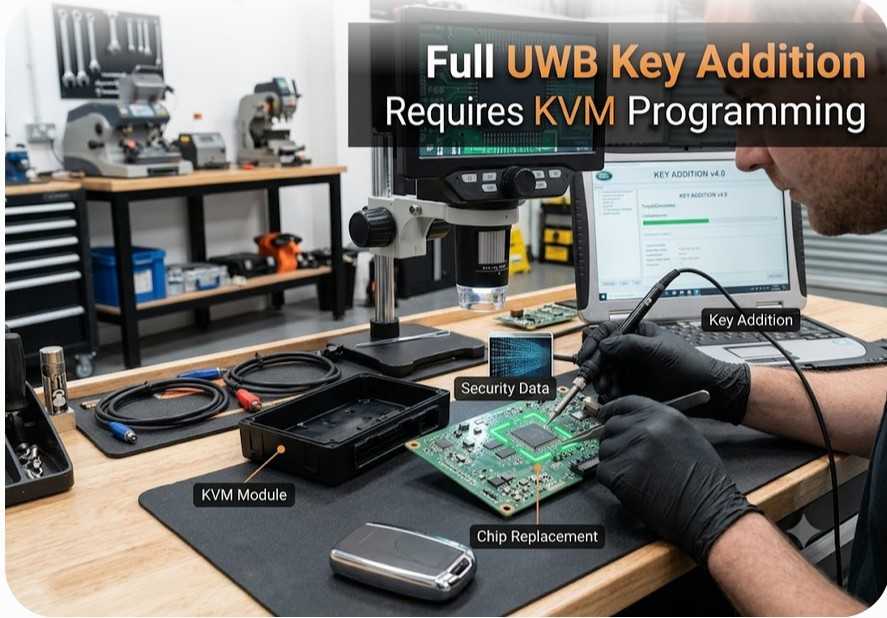
If the goal is to add an original UWB key, do not use the simple copy function.
The recommended procedure is:
- Replace the KVM chip if required.
- Use the normal key addition procedure.
- Complete vehicle key matching.
The copy function and full UWB key addition are different operations.
Question 8: Will the Key Slot Function Work After Copying?
Answer:
Yes.
The copied key can work with the vehicle key slot function when the programming procedure is completed correctly.
Always test:
- Key recognition.
- Engine start authorization.
- Remote operation.
- Key slot communication.
Question 9: Does the Proximity Function Work After KD-X4 Key Copy?
Answer:
Yes, the proximity function can work normally after successful programming.
After completing the procedure, test:
- Passive unlock.
- Passive lock.
- Key detection.
- Engine start.
- Keyless entry operation.
If the proximity function does not work, check:
- Key type compatibility.
- UWB configuration.
- KVM communication.
- Vehicle adaptation status.
KD-X4 JLR Smart Key Copy Best Practices
Before performing any 2018+ Jaguar Land Rover smart key copy procedure:
Verify Vehicle Information
Confirm:
- Vehicle model
- Production year
- Market region
- Key type
- UWB availability
- Number of existing keys
Identify the Key Type
Check whether the key is:
- Standard smart key
- PEPS key
- UWB key
- Factory high-configuration key
- Aftermarket replacement key
Record Existing Keys
Before programming:
- Test all existing keys.
- Record working keys.
- Confirm lost key positions.
- Inform the customer about possible key disabling.
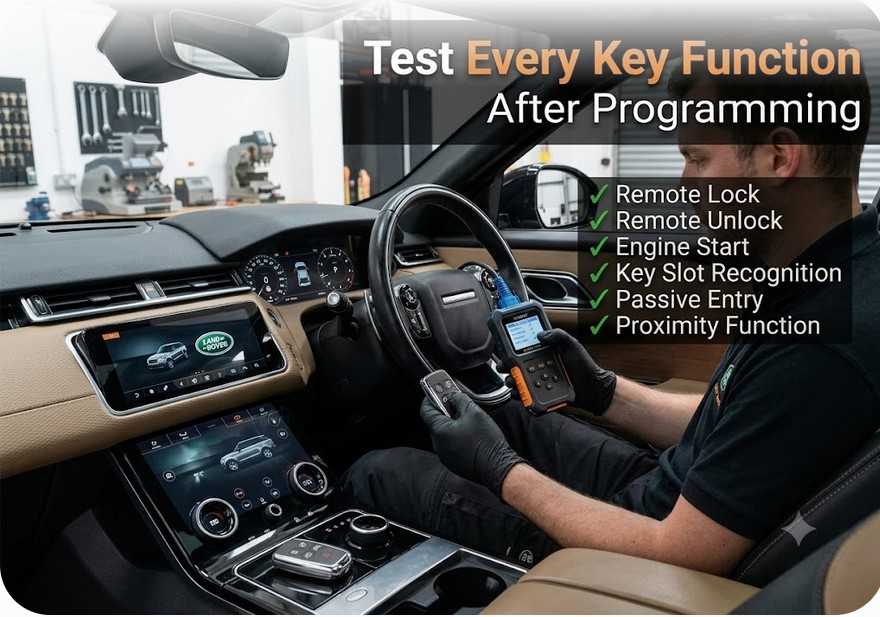
Perform Complete Testing
After programming, verify:
✓ Remote lock
✓ Remote unlock
✓ Engine start
✓ Key slot operation
✓ Passive entry
✓ Proximity function
✓ Vehicle communication
✓ Remote unlock
✓ Engine start
✓ Key slot operation
✓ Passive entry
✓ Proximity function
✓ Vehicle communication
Conclusion
The KEYDIY KD-X4 2018+ JLR smart key copy function provides locksmiths and automotive technicians with a convenient solution for creating replacement Jaguar and Land Rover smart keys.
However, JLR vehicles equipped with PEPS, UWB, and KVM systems require careful identification before programming.
The most important points are:
- Confirm the exact key type before copying.
- Understand the difference between key cloning and adding a new key.
- Check UWB requirements before programming.
- Inform customers about lost-key replacement limitations.
- Use KVM replacement and normal programming when full UWB functionality or additional keys are required.
Following the correct procedure helps prevent synchronization problems and ensures reliable smart key operation.
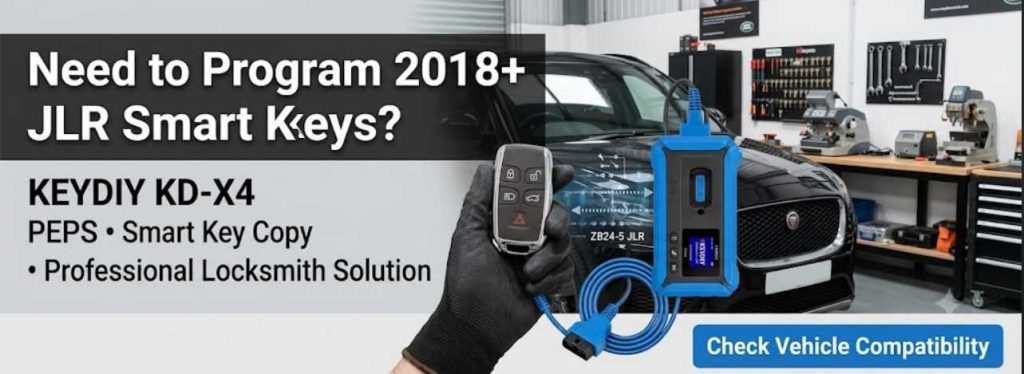
Get KEYDIY KD-X4 for Professional Smart Key Programming
KEYDIY KD-X4 Professional Key Programmer
Suitable for:
- Automotive locksmiths
- Key programming specialists
- Vehicle repair workshops
- Automotive electronics technicians
Need help checking compatibility?
Send your vehicle details and key information before ordering.
Email: sales@obd2.ltd